Buyer's Guide · MagSafe Ecosystem
It's the same wish on both sides of the aisle: stop carrying a phone and a wallet. Two pieces of leather and glass, two pockets, one of which you'll inevitably leave behind. The promise of carrying just the phone is genuinely appealing.
But the two ways to get there pull in opposite directions. A MagSafe snap-on wallet keeps your phone slim and your setup flexible. A built-in wallet case swallows your whole billfold but commits you to more bulk and a case you can't easily swap. Pick wrong and you either run out of card slots or carry a brick.
So here's the honest decision guide - what each one is, the compatibility catch that trips people up, and a clear way to land on the right one for how you actually move through a day.
Choose a MagSafe snap-on wallet if you carry one to three cards, like a slim phone, and want to keep your current case and wireless charging. Choose a built-in wallet case if you want to ditch a separate wallet entirely, carry more cards plus cash, or want a folio or crossbody you can wear hands-free. The snap-on wins on slimness and flexibility; the wallet case wins on capacity. One hard rule: a snap-on wallet only grips properly on a MagSafe-certified case.

First, what each one actually is
The MagSafe snap-on wallet
A flat card holder with magnets inside that clicks onto the back of a MagSafe phone or case. It sits over the magnet ring, holds a couple of cards, and pulls off in a second when you want to tap-to-pay or charge. Think of it as a magnetic accessory, not part of the phone - it's there when you want it and gone when you don't.
The built-in wallet case
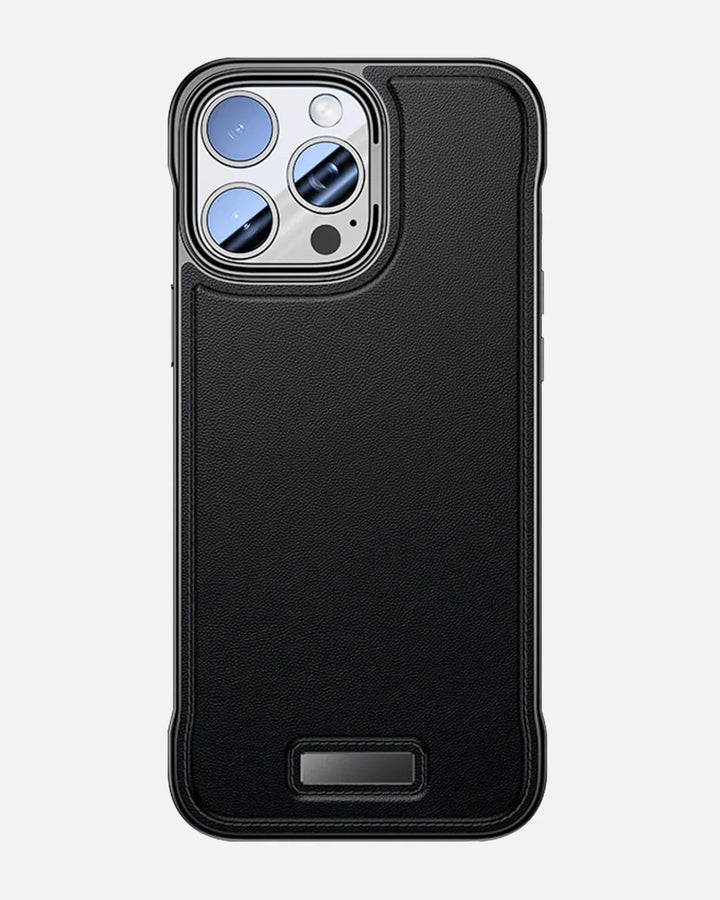
Here the storage is the case. Either a slot moulded into the back for a few cards, or a folio that flips open to multiple slots and a cash pocket - sometimes with a kickstand, RFID-blocking layers, and a strap. Creslia's own take, the 8-in-1 RFID Wallet Case with a crossbody strap in PU leather, lands in this camp: a full carry solution rather than an add-on. It's permanent, roomier, and bulkier by definition.
A MagSafe wallet is something you add to your phone. A wallet case is something your phone becomes.

The compatibility rule nobody mentions until it's too late
This is the part that quietly ruins the snap-on experience for a lot of people, so it's worth stating plainly: a MagSafe wallet only holds securely on a MagSafe-certified case - or on a bare iPhone, which has the magnets built in.
Snap a magnetic wallet onto a cheap case with no magnet ring and one of two things happens. It barely sticks, or it doesn't stick at all and slides off in your pocket with your cards inside. The wallet isn't broken. The case underneath it is simply missing the hardware the whole system depends on.
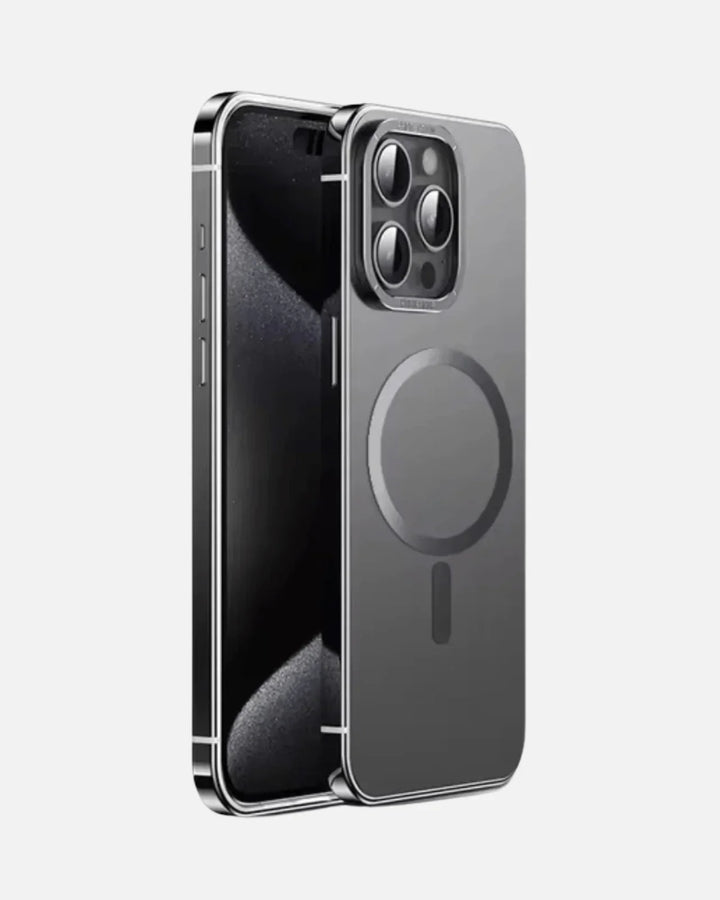
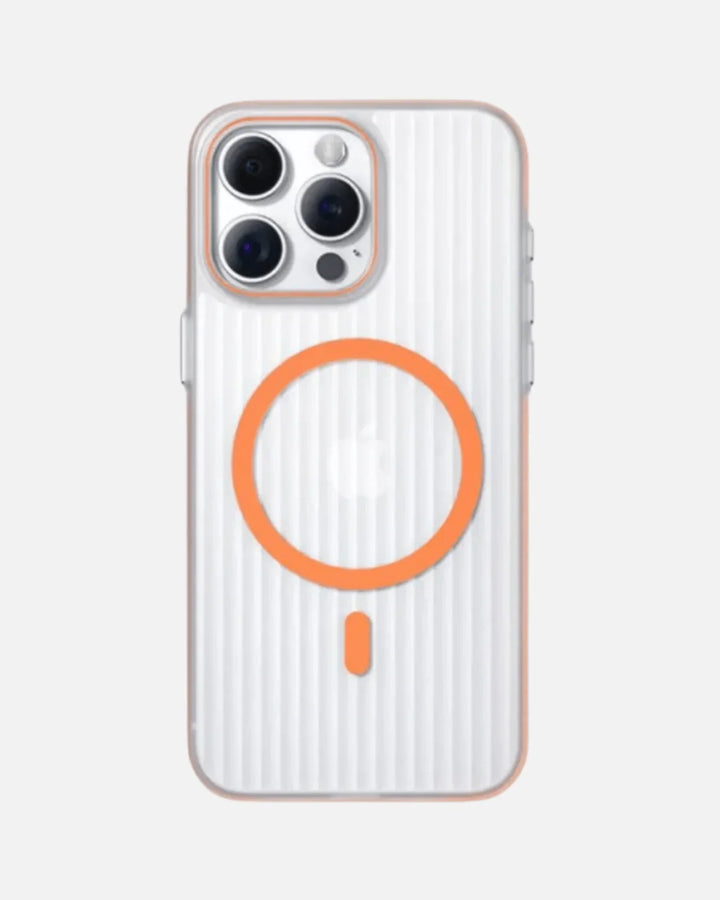
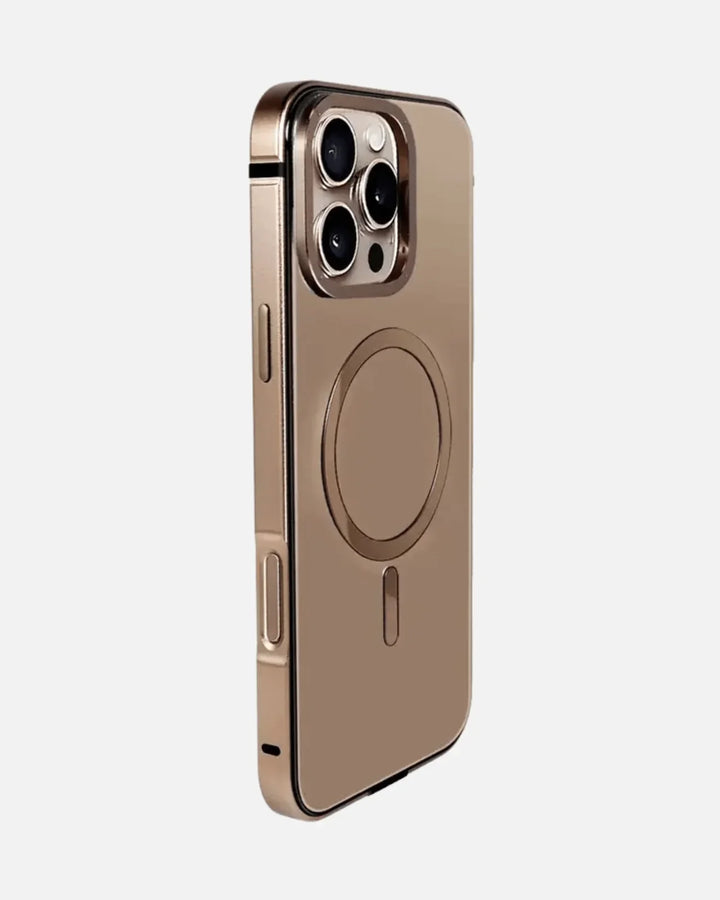
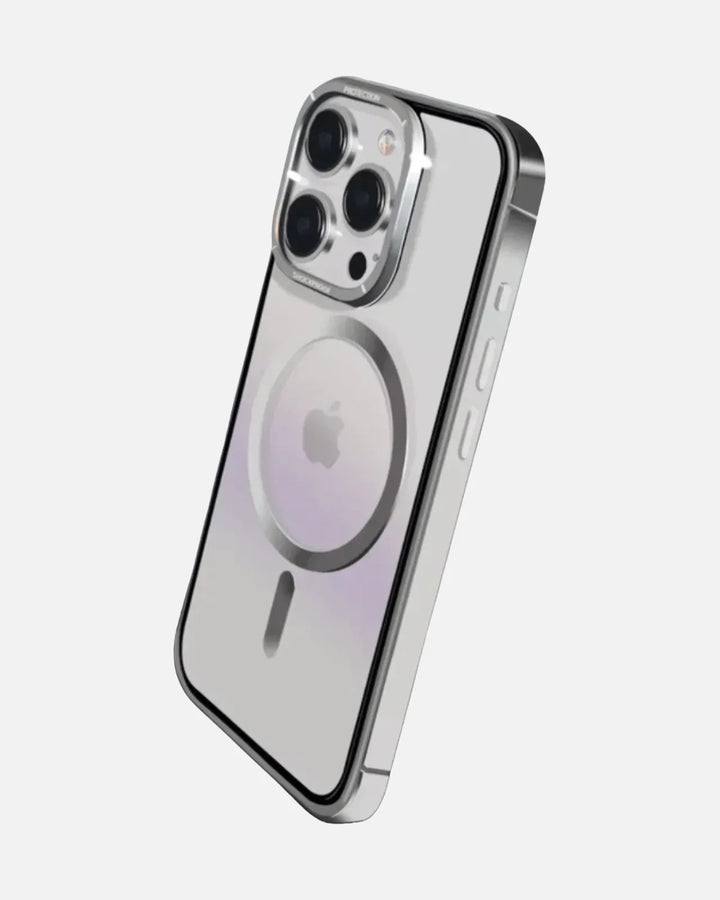
That's why the case is the real foundation of this decision, not the wallet. A MagSafe-true case with genuine Apple-spec N52 magnets gives a snap-on wallet a confident, audible click and keeps it there through a day of pockets and bags. Creslia builds those magnets into every case as standard - the Frosted Ultra-Thin, the Corrugated Hybrid, the Carbon Fiber line - so the wallet, the charger, and the car mount all share the same dependable hold.
If you're leaning snap-on, buy the case first and treat the wallet as the accessory. A strong N52 case turns a snap-on wallet from "anxious about it sliding" into "forget it's even removable." Weak magnets are the single most common regret in this category.
Head-to-head: the comparison that actually decides it
Strip away the marketing and the choice comes down to a handful of trade-offs. Here's the honest side-by-side.
| Factor | MagSafe snap-on wallet | Built-in wallet case |
|---|---|---|
| Card capacity | ~2-3 cards, no cash | ~3-8 cards plus cash |
| Bulk | Minimal - phone stays slim | Noticeably thicker, heavier |
| Removable | Yes, in a second | No - it's the case |
| Keep your current case | Yes (if MagSafe-certified) | No - replaces it |
| Wireless charging | Remove wallet, then charge | Often blocked by cards/folio |
| Security / RFID | Cards exposed; can detach | Enclosed; RFID common |
| Hands-free carry | No (add a separate strap) | Crossbody / strap versions exist |
| Best for | Minimalists, light carriers | Wallet-replacers, travelers |
Capacity, bulk, and the pocket test
Numbers on a spec sheet don't capture the feeling in your front pocket. So picture the extremes. A snap-on wallet adds maybe a few millimeters and the weight of two cards - the phone still reads as a phone. A loaded folio wallet case roughly doubles the package and changes how it sits in your hand and your jeans.
Neither is wrong. It depends entirely on what you're trying to eliminate. If the goal is "I want my ID and a card on me for a coffee run," the snap-on is plenty. If the goal is "I never want to carry a wallet again," a two-card holder will frustrate you within a week, and the wallet case is the real answer.
It's also worth being honest about how card count creeps. People underestimate their own carry - the debit card and ID become a credit card, a transit pass, a gym fob, a couple of loyalty cards. A snap-on wallet has a hard ceiling; stuff it past three cards and the magnets weaken, the fit loosens, and the whole thing starts sliding. A wallet case absorbs that creep without complaint. So the real question isn't just what you carry today, but what you'll inevitably try to cram in by month three.
The snap-on's biggest weakness shows up in tight pockets and car seats - the exact spots where a sideways tug can shear a weakly-held wallet off the back. On a strong N52 case it's a non-issue; on a generic case it's a daily gamble. The wallet case never has this problem because nothing can detach. That security is part of what you're paying for in the bulk.

Wireless charging: the daily friction point
This one quietly decides a lot of buyers. With a snap-on wallet, charging is a two-step habit: pull the wallet off, set the phone on the MagSafe charging pad, done. Mildly annoying, but it works at full speed because the case underneath is built to pass charging through.
Folio and card-stuffed wallet cases are messier. Cards and extra leather sit between the charging coil and the pad, so wireless charging often slows down, gets warm, or stops entirely - pushing you back to a cable. If you live on a wireless charger at your desk and nightstand, that's a real cost. If you mostly plug in anyway, it's a non-issue.
Security and RFID - how much should you care?
Wallet cases tend to keep cards fully enclosed and more often include RFID-blocking layers, which matters more the more cards you carry and the more you travel. A snap-on wallet leaves cards a little exposed and can theoretically detach, though many modern ones add detachment alerts and tracking to soften that.
Be realistic about your own risk. For one or two everyday cards, RFID worry is mostly theoretical and a snap-on is fine. For a stack of cards you can't afford to lose on a trip, the enclosed, RFID-blocking wallet case earns its keep.
So - which should you choose?
No universal winner here, only a right answer for you. Here's how we'd actually steer different people.
- The minimalist: snap-on wallet on a slim MagSafe case. ID, one card, done - phone stays a phone.
- The wallet-replacer: built-in wallet case. If the whole point is leaving your billfold at home, capacity beats slimness.
- The wireless-charging devotee: snap-on, every time. You'll never want cards blocking the coil.
- The traveler / heavy carrier: RFID wallet case, ideally a crossbody or folio for hands-free days and more slots.
- The case-rotator: snap-on. It moves between your designer cases freely, as long as each one is MagSafe-true.
After living with both, the honest split is this: the snap-on disappears into your routine until the day you wish it held one more card. The wallet case removes that wish entirely but reminds you of its bulk every time you pocket the phone. Pick the annoyance you'd rather not notice.

Three setups that actually work
If you'd rather skip the deliberation, here are three combinations we'd happily recommend depending on the kind of carrier you are. Each assumes the non-negotiable underneath: a MagSafe-true case.
| Setup | What it is | Who it's for |
|---|---|---|
| The slim daily | MagSafe-true slim case + snap-on card holder (2-3 cards) | Coffee runs, gym, light days, charger lovers |
| The full replace | RFID folio or crossbody wallet case (cards + cash + strap) | Wallet-free living, travel, hands-free days |
| The hybrid | MagSafe slim case + snap-on daily, swap to a wallet case for trips | People whose carry changes by the day |
That third one is underrated. Because the snap-on system lives on the case rather than replacing it, nothing stops you from running a slim setup most days and switching to a heavier wallet case when you travel. The phone is the constant; the carry adapts around it. That flexibility is, quietly, the strongest argument for building on a MagSafe foundation in the first place.
Buy the case once. Let the way you carry change as often as your week does.
And if your day genuinely swings between hands-full commutes and lighter evenings, a separate grip or strap can bridge the gap without committing you to a full wallet case at all - another reason the modular, snap-on approach tends to age well.
The one thing both options share
Here's the takeaway that survives the whole debate: whichever route you pick, a real MagSafe case is the foundation. The snap-on wallet needs it to grip. The wallet-case shopper still wants those same N52 magnets so chargers and mounts work when the cards aren't in the way. Get the case right and the rest of the ecosystem - wallet, charger, car mount, power bank - simply clicks into place.
That's the part Creslia builds for by default: MagSafe-true N52 magnets, 15W wireless charging through the shell, MIL-STD-810G drop protection, and slim profiles that don't fight a snap-on wallet - across the whole iPhone accessory lineup, mostly under $35.
Start with the foundation
A MagSafe-true case that holds your wallet, charger and mount with a confident click.
Shop MagSafe Cases →Upgrading to a new iPhone first? It's worth a quick check on whether last year's case still fits before you buy a wallet to match - and if you're eyeing a clear case, here's why some yellow and how to avoid it.
Frequently asked questions
What's the difference between a MagSafe wallet and a wallet case?
A MagSafe wallet is a slim card holder that snaps magnetically to the back of a MagSafe phone or case and removes in a second. A wallet case builds the storage into the case itself, so it's permanent and bulkier but holds more cards and often cash. Snap-on prioritizes slimness and flexibility; the wallet case prioritizes capacity.
Do MagSafe wallets work with any phone case?
No. A snap-on MagSafe wallet only holds securely on a MagSafe-certified case with true Apple-spec N52 magnets, or directly on a bare iPhone. On a non-MagSafe case the magnets are blocked or missing, so the wallet slips off. The case is the required foundation.
Does a wallet case block wireless charging?
Folio and card-stuffed wallet cases usually block or weaken wireless charging, because cards and extra layers sit between the coil and the pad. A snap-on wallet doesn't block charging permanently - you just remove it and place the phone down. Cases built with MagSafe pass charging through cleanly.
How many cards can each option hold?
Most snap-on MagSafe wallets hold two to three cards and no cash. Built-in wallet cases hold more - roughly three to eight cards plus cash, and some folio or crossbody designs add a strap and RFID blocking. To leave your wallet at home entirely, the wallet case wins on capacity.
Which is better for security and RFID protection?
Wallet cases more often include RFID-blocking layers and keep cards enclosed. A snap-on wallet leaves cards exposed and can detach in a tight pocket, though modern detachment alerts help. For travel and high card counts, an RFID wallet case is safer; for one or two everyday cards, a snap-on is usually enough.
The bottom line
If you want to stay slim and flexible and you mostly carry a card or two, the MagSafe snap-on wallet is the cleaner answer - provided it's sitting on a case that can actually hold it. If you want to retire your wallet for good, carry cash, or wear it crossbody, the built-in wallet case is worth the bulk.
Either way, the decision really starts one layer down. Choose a MagSafe-true case with real N52 magnets, and the whole carry system - wallet included - finally behaves the way the ads promised.
Creslia designs and ships premium phone gear from Iselin, NJ - MagSafe-true builds, MIL-STD-810G protection, honest prices, and 7-day returns. More about us →
Why trust Creslia
- 2,000+ products tested in our Iselin, NJ QA lab since 2024.
- 200+ device models supported - iPhone, Samsung, Pixel, OnePlus, Google.
- Same-day shipping on orders placed before 3 PM ET, six days a week.
- Reviewed under MIL-STD-810G drop methodology for our rugged lines.