Explained · Charging in 2026
MagSafe vs wireless charging in 2026: MagSafe and Qi2.2 both hit 25W on iPhone 16/17. The real differences - and what it means for your case.

If you last compared MagSafe vs wireless charging a few years ago, almost everything you concluded is now out of date. The old story - "MagSafe is 15W, regular wireless is a slow 7.5W" - doesn't describe 2026. On the iPhone 16 and 17, MagSafe and the open Qi2.2 standard both top out at 25W, and the real differences have moved somewhere more interesting than raw speed.
This is an educational guide first, written to make the current landscape genuinely clear, with a light touch of where a good case fits in. It's a brand-owned piece from Creslia - not sponsored - so where we mention our own MagSafe cases, we'll be honest about what a case can and can't do for charging. Let's untangle it properly.
What MagSafe Actually Is

MagSafe isn't a different kind of electricity. Underneath, it's ordinary inductive wireless charging - a coil in the charger creates a magnetic field, a coil in the phone turns it back into power. What Apple added in 2020 was a ring of magnets around that coil, and that ring changes the experience more than the spec sheet suggests.
The magnets snap the charger to the exact center of the phone's coil every time, so there's no hunting for the sweet spot. Certified MagSafe hardware also carries an NFC chip and a magnetometer, which let the iPhone recognize what it's attached to - a charger, a wallet, a stand - and adjust behavior accordingly. That identification layer is part of what "Apple-certified MagSafe" buys you over a generic magnetic pad that merely sticks.
The magnetic ring is also why the whole MagSafe accessory world exists: wallets, grips, mounts, stands, and battery packs that click on and stay put. None of that works reliably without strong, correctly positioned magnets - a detail that comes back when we talk about cases.
It helps to know how short this history actually is. Apple introduced MagSafe for the iPhone in 2020 alongside the iPhone 12, reviving a name it had used years earlier for MacBook power connectors. The original promise was modest - tidy magnetic attachment and 15W charging - but the magnets turned out to be the real innovation. They created a physical standard that accessory makers could design around, and within a few years the rest of the industry wanted in. That pressure is exactly what produced the open Qi2 and Qi2.2 standards we'll get to next, which is why the two stories are now so tightly linked.
What "Regular Wireless Charging" Is - Qi wireless, Qi2 & Qi2.2

"Regular wireless charging" is the Qi standard (pronounced "chee"), the open technology that nearly every wireless pad has used for years. The key thing to understand in 2026 is that Qi has gone through two big upgrades, and the version matters enormously.
Legacy Qi
The original, non-magnetic Qi is what you find in old pads and many car trays. You place the phone roughly on the surface and hope it lands on the coil. On iPhone, legacy Qi tops out around 7.5W - fine for an overnight trickle, slow for a quick top-up, and prone to the dreaded "I thought it was charging" misalignment.
Qi2
Qi2, which arrived for iPhone 13 through 17, is the turning point. The Wireless Power Consortium essentially adopted MagSafe-style magnetic alignment into the open standard, so Qi2 pads snap into place just like MagSafe and charge at up to 15W. Same magnetic convenience, cross-platform, often cheaper.
Qi2.2 (a.k.a. "Qi2 25W")
The newest tier, Qi2.2 - marketed as Qi2 25W - raises the ceiling to 25W and, crucially, matches MagSafe's top speed. On iPhone 16 and 17 running iOS 26 (the iPhone 16e is the exception), a certified Qi2.2 charger paired with a strong enough adapter delivers the same fast top-up as Apple's own 25W charger. Apple's latest MagSafe charger is itself Qi2-certified, which tells you how far the two worlds have converged.
The meaningful question is no longer "MagSafe or basic wireless?" It's MagSafe vs Qi2/Qi2.2. For iPhone 16 and 17, certified MagSafe and certified Qi2.2 both reach 25W - so the decision comes down to certification, ecosystem, identification features, and price, not headline speed.
Charging Speed in 2026: The Honest Numbers
Here's where the old advice falls apart. Peak wireless speed now depends on three things lining up: your iPhone model, the charger's certification, and a wall adapter strong enough to feed it. Miss any one and you fall to a lower tier.
| Method | Peak speed on iPhone | What you need | Notes |
|---|---|---|---|
| Wired USB-C (PD) | ~20-40W | USB-C PD adapter + cable | Still the fastest option overall |
| MagSafe (Apple 25W charger) | 15W (iPhone 12-15) · 25W (iPhone 16/17) | Apple 25W MagSafe + 30W+ adapter | Magnetic align, NFC ID, certified |
| Qi2.2 (Qi2 25W) | 25W (iPhone 16/17, iOS 26) | Certified Qi2.2 pad + 30W+ adapter | Open standard, matches MagSafe speed |
| Qi2 | 15W | Certified Qi2 magnetic pad | Magnetic alignment, cross-platform |
| Legacy Qi (non-magnetic) | ~7.5W | Any basic Qi pad | Slow; easy to misalign |
| Non-certified magnetic pad | ~7.5W | Generic "MagSafe-compatible" pad | Looks similar, charges far slower |
Real-world reference: with a certified 25W charger and a 30W-or-higher adapter, an iPhone 16 or 17 reaches about 50% in roughly 30 minutes. The 30W-plus adapter is the part people forget - without it, even a 25W pad falls back to slower speeds.
Two takeaways. First, for iPhone 16 and 17, a good certified Qi2.2 pad and Apple's MagSafe charger are effectively tied on speed. Second - and this is the part marketing tends to bury - wired charging is still faster than any wireless method. If you need the quickest possible top-up before running out the door, a USB-C cable into a PD adapter wins. Wireless is about convenience and a tidy desk, not setting records.
A few details decide which tier you actually land in. The wall adapter is the quiet gatekeeper: a 25W-capable pad fed by a weak 5W or 10W brick simply can't deliver 25W, which is why so many people think their fast charger is "broken" when the real problem is the plug behind it. Model matters too - the budget iPhone 16e sits out the 25W tier and charges at the lower rate, and anything older than the iPhone 12 has no magnetic alignment at all. And certification is not cosmetic: a genuine Qi2.2 or MagSafe logo is your guarantee the hardware negotiated the higher speed, where a generic "works with MagSafe" pad frequently tops out near 7.5W no matter how premium it looks.

Alignment & Efficiency: Why Magnets Matter Beyond Convenience
The magnetic ring does something quietly important. Wireless charging is most efficient when the charger's coil and the phone's coil sit dead center over each other. On an open Qi pad, a phone nudged even slightly off-center transfers less power and wastes the rest as heat - which is also why it sometimes charges slower than you expected, or stops overnight when a notification buzzes it out of place.
Magnetic alignment removes that variable. MagSafe and Qi2/Qi2.2 lock the coils into position, so the energy that would have been lost to a sloppy placement actually reaches the battery. You get more consistent speed and less wasted heat, every single time, without thinking about it.
Magnetic charging's real win isn't a bigger number - it's hitting the same number reliably, without the guesswork.
Picture the difference in practice. On an open Qi pad, you drop the phone down at night, the coil is a centimeter off, and it charges slowly while running warm; a buzz from a late text nudges it further askew and it quietly stops, so you wake up at 60%. With a magnetic charger, the phone can only land in one place - centered - so it charges at its full rated speed and stays there until morning. Same underlying technology, completely different outcome, entirely because of alignment. That reliability is the strongest everyday argument for magnetic charging, and it applies equally to MagSafe and to Qi2 or Qi2.2.
Heat & Battery Health, Without the Scare Stories
Let's be measured here, because this topic attracts a lot of myth. Wireless charging does generate more heat than wired, because induction isn't perfectly efficient and the lost energy becomes warmth. Higher wattage means more of it - a 25W pad runs warmer than an old 7.5W one. That's physics, not a defect.
What matters is how the system manages that heat, and modern iPhones manage it well. They throttle charging speed as the battery fills and as temperature rises, and Optimized Battery Charging holds at around 80% until just before you typically unplug, to limit time spent at a full, warm charge. Good Qi2.2 and MagSafe hardware adds adaptive power control and, often, active cooling to keep things in a safe range.
The practical advice is simple and undramatic: charge on a flat, ventilated surface rather than a soft bed or couch, keep the phone out of direct sun while charging, and don't bury it under a pillow. Used normally, wireless charging is not going to wreck your battery - and magnetic alignment, by reducing wasted heat, is gentler than a misaligned phone slowly cooking on an open pad.
It's also worth keeping the long view in perspective. Lithium-ion batteries age mainly with charge cycles and sustained heat over months and years, not with the choice between wired and wireless on any given night. A modern iPhone is designed to lose only a modest amount of capacity over a typical ownership period, and the charging method is a small factor next to how hot the phone runs day to day and how often it sits at 100% in a warm pocket. If anything, the convenience of magnetic charging encourages lots of small top-ups rather than deep drains - and shallow, frequent charging is easier on a battery than running it flat and back to full. Choose the method you'll actually use consistently; consistency does more good than chasing a theoretically perfect charging routine.
What This Means for Your Case
Here's where the case earns a mention, honestly framed. Your case does not set your charging speed - the phone and the charger do that. What a case decides is whether you actually receive the speed you paid for, and whether the magnetic accessory experience works at all.

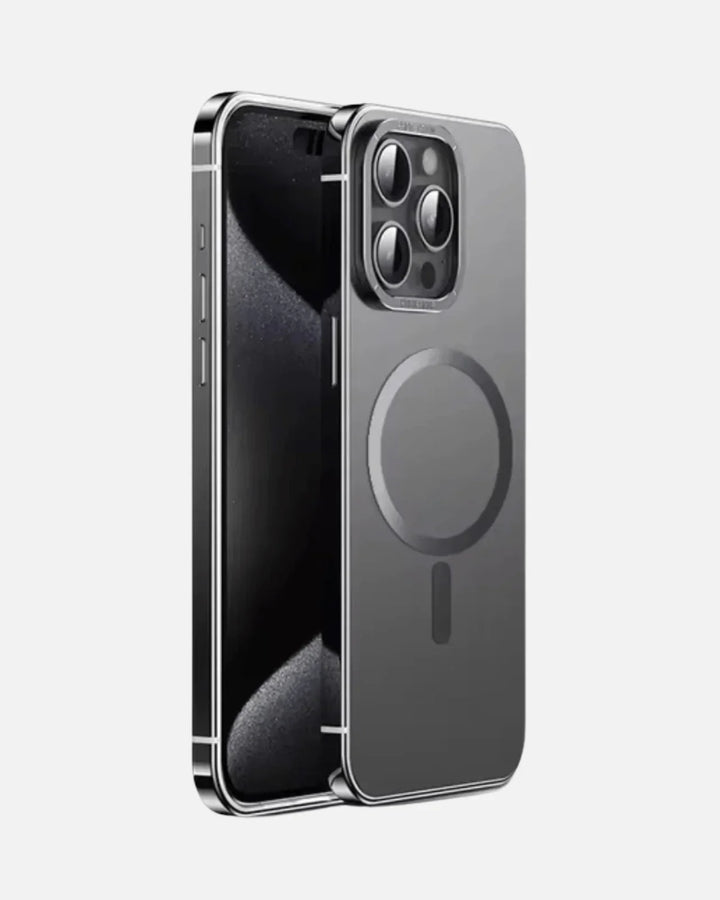
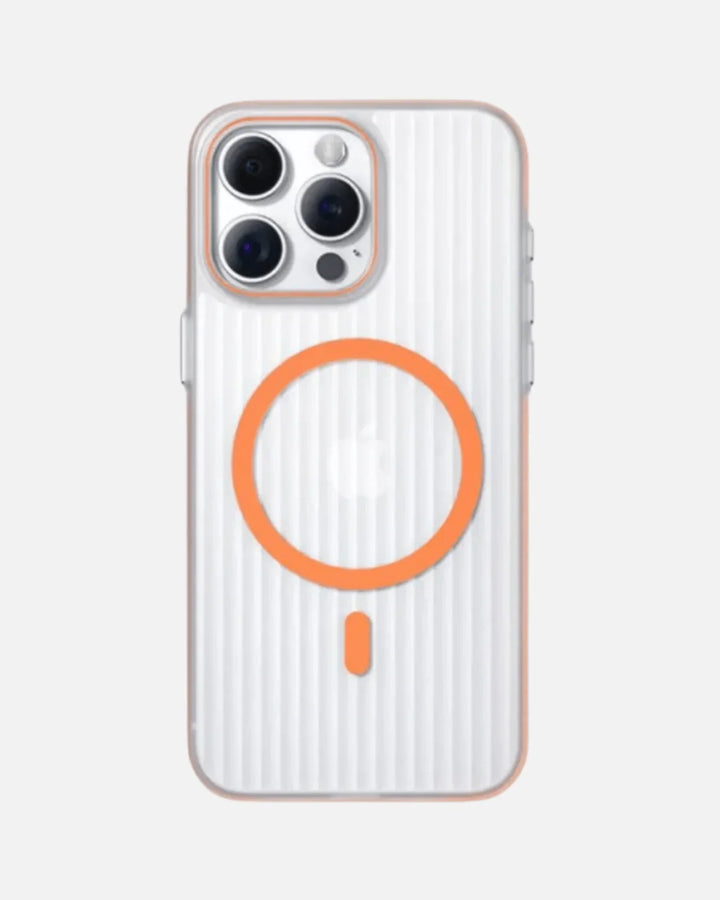
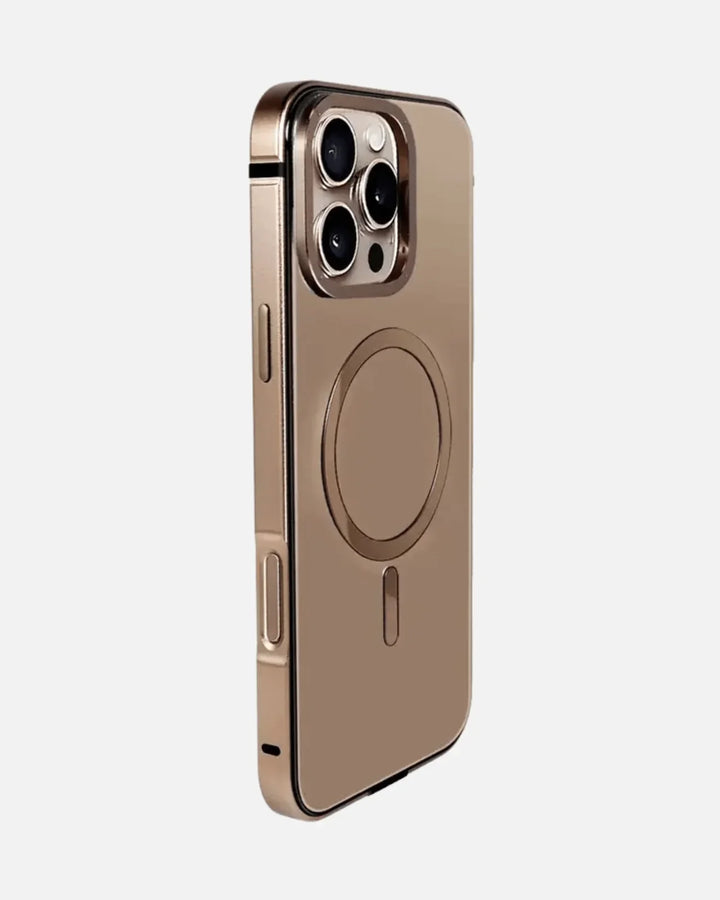
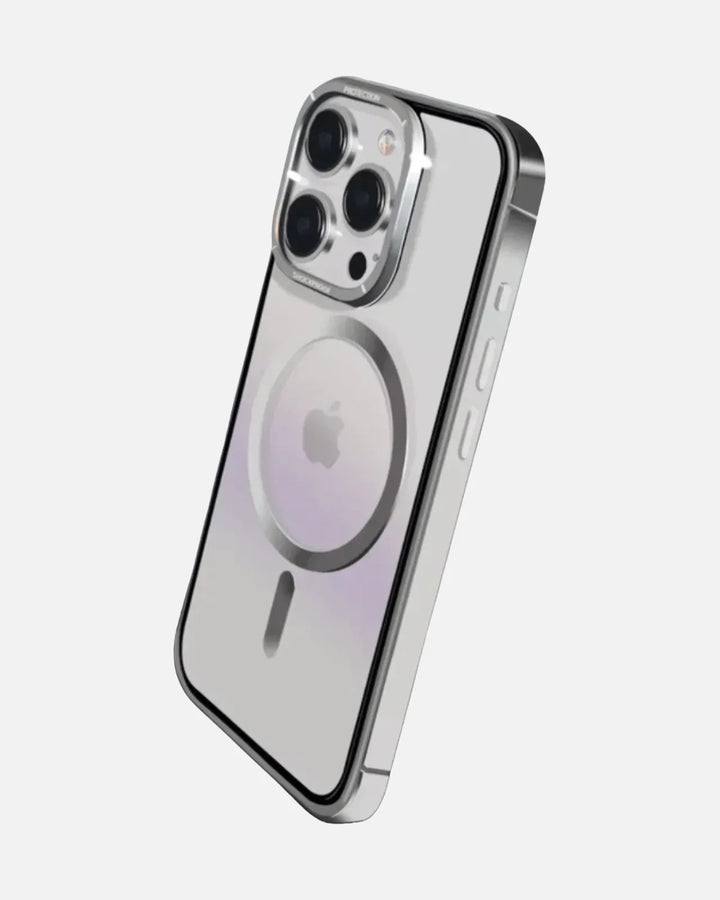
A MagSafe-true case built with a properly positioned N52 magnet ring lets a MagSafe or Qi2 charger snap to dead center and hold there, so charging stays aligned and efficient. A non-magnetic case - most plain printed or budget cases - undercuts that: the charger can't lock on, you're back to free-placement guesswork, and wallets and mounts won't grip. A case that's excessively thick, or one with metal plates or rings in the wrong place, can also weaken the magnetic hold or interfere with the field.
There's a stacking effect worth understanding, too. Every layer between the charging coils - the case shell, plus anything you attach like a wallet - adds a little distance and can shave efficiency. That's not a reason to go caseless; it's a reason to choose a case engineered for magnetic charging rather than a generic shell that fights it. A purpose-built MagSafe case keeps that gap consistent and the magnets where they belong, so the system behaves predictably day after day.
There's no magic millimeter cutoff to memorize. Apple's general guidance is to use cases that aren't excessively thick and are free of interfering metal; in practice, a correctly placed, strong magnet ring matters more than any single thickness number. The takeaway for shoppers: if you rely on magnetic charging or accessories, choose a case engineered for it rather than hoping a non-magnetic shell will cooperate.
Buying a case for an iPhone that charges magnetically? Confirm it's MagSafe-true with a genuine N52 ring. It won't make charging faster than the phone allows - but it's the difference between reliable, aligned charging and a frustrating game of nudge-the-phone. Browse Creslia's MagSafe iPhone cases and charging solutions to pair them properly.
Which Should You Choose?
There's no universal winner - only the right fit for how you live with your devices. Find yourself below.
If you're upgrading from an older setup, one more bit of reassurance: you don't have to throw everything out. A MagSafe accessory and a Qi2 accessory use the same magnet layout, so a Qi2.2 charger works with your MagSafe phone and most MagSafe accessories work on a Qi2 pad. The standards were deliberately built to interoperate. That means you can mix an affordable open-standard charger on the nightstand with Apple's charger at the desk, share one magnetic car mount across an iPhone and an Android in the same household, and add a wallet or stand later without worrying about which camp it came from. The convergence that makes the speed comparison a tie is the same thing that makes the ecosystem refreshingly flexible.
Charge the way you carry
A MagSafe-true case keeps every magnetic charger and accessory aligned - free shipping over $49.90, same-day dispatch before 3 PM ET.
Shop MagSafe cases →Frequently Asked Questions
What's the difference between MagSafe and wireless charging?
MagSafe is Apple's magnetic version of wireless charging. Both use the same underlying technology - inductive charging - but MagSafe adds a ring of magnets that snaps the charger into perfect alignment, plus NFC identification and a magnetometer in certified units. Plain wireless charging on an open pad lets you set the phone down anywhere on the surface, which is more forgiving to place but easier to misalign.
Is MagSafe worth it in 2026?
For most iPhone owners, yes - but less because of raw speed and more because of convenience and accessories. On iPhone 16 and 17, certified MagSafe and certified Qi2.2 both reach 25W, so MagSafe is no longer dramatically faster than the open standard. What you're really paying for is Apple certification, the snap-on accessory ecosystem (wallets, mounts, stands), and reliable alignment every time.
How fast is MagSafe charging on iPhone 16 and iPhone 17?
Up to 25W. With Apple's 25W MagSafe charger paired with a 30W or higher USB-C power adapter, iPhone 16 and iPhone 17 models can reach about 50% charge in around 30 minutes. iPhone 12 through 15 top out at 15W over MagSafe, and older models charge at 7.5W. The 30W-plus adapter is required to hit the full 25W.
What is the difference between MagSafe and Qi2?
Qi2 is the open, cross-platform wireless standard that borrowed MagSafe's magnetic alignment. Standard Qi2 charges at up to 15W. MagSafe is Apple's certified implementation. The newer Qi2.2 standard raises the ceiling to 25W, matching MagSafe on iPhone 16 and 17. So the practical gap today is certification and ecosystem rather than speed.
What is Qi2.2 (Qi2 25W) wireless charging?
Qi2.2, also marketed as Qi2 25W, is the latest open wireless-charging standard from the Wireless Power Consortium. It uses magnetic alignment and raises peak wireless speed to 25W, matching MagSafe. On iPhone 16 and 17 (running iOS 26, excluding iPhone 16e), a certified Qi2.2 charger plus a 30W adapter delivers the same roughly 50%-in-30-minutes result as Apple's own 25W MagSafe charger.
Does a phone case affect MagSafe or wireless charging?
It can. A MagSafe-true case with a properly positioned N52 magnet ring keeps the charger aligned so you get clean, consistent charging. A non-magnetic or very thick case, or one with interfering metal, can weaken the magnetic hold or push the coils out of alignment, which slows charging and creates more heat. The case does not increase wattage - the charger and phone set that - but the right case ensures you actually receive it.
Is wireless charging bad for your iPhone battery?
No, not in normal use. Wireless charging produces more heat than wired because induction isn't perfectly efficient, but iPhones manage this with thermal throttling and Optimized Battery Charging, which slows the last stretch to protect the battery. Magnetic alignment from MagSafe or Qi2 actually reduces wasted energy and heat compared with a misaligned phone on an open pad.
Do I need Apple's MagSafe charger, or will any Qi2 charger work?
Any certified charger works, but the certification matters. A certified Qi2.2 charger reaches 25W on iPhone 16 and 17, the same as Apple's MagSafe charger. A standard Qi2 charger gives 15W. A cheap, non-certified magnetic pad often delivers only about 7.5W despite looking similar. Match the certification to the speed you want, and use a 30W-plus adapter for 25W.
The Bottom Line
In 2026, MagSafe vs wireless charging is no longer a speed contest for newer iPhones - certified MagSafe and Qi2.2 both land at 25W on the iPhone 16 and 17. MagSafe wins on certification, identification, and a deep accessory ecosystem; open Qi2/Qi2.2 wins on price and cross-platform flexibility; and wired USB-C still beats them all when minutes matter. Pick the charger that fits your devices and habits, feed it a 30W-plus adapter if you want the full 25W, and put your phone in a case that's built to keep magnetic charging aligned. Get those three right and you'll never think about it again.
Why trust Creslia
- 2,000+ products tested in our Iselin, NJ QA lab since 2024.
- 200+ device models supported - iPhone, Samsung, Pixel, OnePlus, Google.
- Same-day shipping on orders placed before 3 PM ET, six days a week.
- Reviewed under MIL-STD-810G drop methodology for our rugged lines.