Honest Take · iPhone 17 Pro
Do you need a camera lens protector for the iPhone 17 Pro? An honest take on sapphire lenses, scratches, night flare, and what actually protects it.

Is an iPhone 17 Pro camera lens protector worth it? Here's the honest answer most listings won't give you: you don't strictly need one. The iPhone 17 Pro's three 48MP cameras sit under sapphire crystal covers that are genuinely tough, and a good case with a raised camera lip handles most of the real-world risk on its own. A lens protector is optional extra insurance - smart for some people, unnecessary for others, and worth understanding before you spend. This guide gives you the balanced version so you can decide for yourself.
You don't strictly need one. A quality case with a raised camera lip is the main protection - it keeps the lenses off surfaces, where most scratches happen. A good lens protector is cheap sacrificial insurance if you're hard on your phone or around sand, grit or tools - as long as you accept a small possible night-flare trade-off and buy a quality, well-fitted one.
Below: the truth about the sapphire lens covers, what actually scratches or cracks them, the balanced verdict on whether to buy a protector, how to choose a good one, how to install it, and an honest day-versus-night photo-quality reality check. (Quick note: Creslia is an independent brand and isn't affiliated with or endorsed by Apple, and Apple does not sell or recommend third-party lens covers.)
The Sapphire Reality: Tough, but Not Scratchproof
Start with what's actually over your lenses, because a lot of confusion comes from mixing up two different materials. On the iPhone 17 Pro, the front and back glass is Ceramic Shield 2 - Apple's tougher cover glass. But the covers directly over the three cameras are sapphire crystal, a different material entirely. Don't conflate the two: Ceramic Shield protects the screen and back, while sapphire protects the lenses.
Sapphire is one of the hardest materials used in consumer electronics - around Mohs 9 on the hardness scale, just below diamond - which is why it resists scratches so well in everyday use. Keys, coins and most pocket contents won't touch it. But here's the honest part: scratch-resistant is not scratch-proof. Materials only get scratched by something equal or harder, and ordinary sand and dust contain quartz at around Mohs 7. That's softer than sapphire, but with enough grit and pressure it can still leave fine, permanent micro-scratches over time. And hardness doesn't help against impact - a sharp pebble or a hard corner strike can chip or crack a lens cover outright.
Why does this matter financially? Because the iPhone 17 Pro is a $1,099-and-up phone, and a damaged rear camera or lens cover is an expensive repair - often far more than people expect. That repair cost, not the likelihood of a scratch, is the real argument for protection. You're not protecting against certainty; you're insuring against an unlikely-but-pricey outcome.
The iPhone 17 Pro is forged aluminum (not titanium), with three 48MP "Fusion" cameras - Main, Ultra Wide and an all-new Telephoto reaching up to 8× optical-quality zoom - housed in a full-width camera plateau. Each lens sits under its own sapphire cover, which is what a lens protector sits on top of.
What Actually Scratches or Damages Lenses
To decide whether you need protection, it helps to know exactly how lens damage happens in real life. There are three common scenarios, and notably, a case solves most of the first one on its own.
Notice the pattern: the everyday risk is abrasion from surfaces and grit, and the rare-but-costly risk is a sharp impact. A raised-lip case directly addresses the first by lifting the lenses off whatever you set the phone on. A lens protector adds a sacrificial layer that takes the hit from grit or a minor impact instead of your actual sapphire. They solve overlapping but slightly different problems, which is why the best answer for cautious owners is often both.
Do You Really Need One? The Balanced Verdict
Here's where we refuse to oversell. For most people, the honest answer is that a quality case with a raised camera lip is the single most effective protection, and it may be all you need. It keeps the lenses off tables and surfaces, which eliminates the most common source of scratches, and it protects the rest of the phone too. If you use a good raised-lip case and aren't especially hard on your device, you can skip a lens protector entirely and be fine.
That said, a lens protector earns its place for plenty of people. It's a cheap, replaceable sacrificial layer, and it makes real sense in specific situations.
A protector makes sense if you…
- Are hard on your phone or drop it often
- Spend time around sand, dust, grit or tools (beach, gym, job sites)
- Want a cheap, replaceable layer instead of risking the sapphire
- Keep your phone loose in a pocket or bag with other items
You can skip it if you…
- Already use a good raised-lip case and are careful
- Shoot a lot at night and want zero added-glass flare risk
- Prefer the lenses exactly as Apple engineered them
- Don't expose the phone to grit or rough environments
Two honest caveats belong in any fair verdict. First, Apple does not sell or recommend third-party lens covers, and notes that poor ones can interfere with the camera - so this is an aftermarket choice you make with eyes open. Second, heavy night and low-light shooters may genuinely prefer either individual-ring AR-coated protectors or none at all, because added glass is most likely to show flare exactly when they're shooting. There's no single right answer here - only the right answer for how you use your phone.
You don't need a lens protector - but if you're hard on your phone, it's cheap insurance against an expensive repair.
The Repair-Cost Math That Actually Decides It
Strip away the marketing and the decision is really a simple risk-versus-cost calculation, the same one behind any insurance. On one side is the price of a lens protector - a small, one-time, replaceable cost. On the other is the price of a rear-camera or lens-cover repair on a flagship iPhone, which is one of the more expensive out-of-warranty fixes precisely because the camera system is so integrated. You're weighing a minor known cost against a larger unlikely one.
That framing also explains why the answer differs so much person to person. If your phone lives in a padded pocket, gets set down on clean surfaces, and wears a good case, your odds of lens damage are genuinely low - the insurance may not be worth even its small price, especially if you value pristine night photos. But if your phone shares a pocket with keys and sand, rides in a tool bag, or gets set face-up on gritty surfaces, the odds climb, and a few dollars of sacrificial glass starts to look like an easy decision. Neither choice is wrong; they're just different bets based on different lifestyles.
One more practical point: a protector is only insurance if you actually replace it when it takes damage. A scratched or chipped protector left in place is doing its job - it absorbed the hit - but it's now the thing degrading your photos, so swap it. Treating it as a consumable, not a permanent fixture, is what keeps the math working in your favor over the life of the phone.
How to Choose a Good One (If You Buy)
If you decide a protector is right for you, quality is everything - a good one is nearly invisible, a bad one degrades your photos. Look for these things:
- Tempered glass or sapphire with multi-layer anti-reflective (AR) coating. The AR coating is what keeps reflections and flare down; skip uncoated budget glass.
- Black-painted inner rims and an oleophobic top coat. Black rims cut internal reflections around each lens; the oleophobic layer resists fingerprints and wipes clean.
- Individual lens-ring style for the best optics. One ring per lens means less glass surface to smudge and fewer flare paths than a full camera plate - though a plate is easier to install and looks uniform.
- Precise fit for the iPhone 17 Pro plateau, and case-compatibility. It must be cut for the 17 Pro's specific camera layout and clear your case's cutout.
- Treat it as sacrificial. The whole point is that it takes the damage instead of your lens - so replace it the moment it scratches or chips.
| Style | Pros | Cons |
|---|---|---|
| Individual lens rings | Most optically balanced; less smudge area; fewer flare issues; usually case-friendly | Fiddlier to align each ring precisely |
| Full camera plate | Easy install; uniform look; covers the whole plateau | More glare and fingerprints; may clash with tight case cutouts |
Installing a Lens Protector
Installation is quick but rewards a little care, since dust or misalignment is what causes haze and flare complaints. The basic process:
- Clean each lens cover thoroughly with a microfiber cloth and a touch of isopropyl alcohol, then let it dry.
- Work in a low-dust spot - a freshly wiped surface, away from fabric lint.
- Align carefully; individual rings need precision so each sits centered over its lens.
- Press gently from the center outward to push out any air bubbles.
- Let the adhesive set before heavy handling, and from then on just wipe the protector with a microfiber cloth like you would the bare lens.
If you trap a bubble or pick up a speck of dust under the glass, it's worth redoing it - a particle right over a lens is exactly the kind of thing that shows up as a soft spot or a flare point in photos.
Day vs Night: An Honest Photo-Quality Reality Check
This is the part that decides it for a lot of photographers, so here's the fair version. In good light, a quality, properly-fitted lens protector is effectively unnoticeable - daylight photos look the same with or without it, and most people genuinely can't tell the difference in a side-by-side.
At night, be more cautious. Any extra layer of glass adds surfaces for light to bounce off, and that's most visible with point light sources - streetlights, neon signs, headlights - or when you're shooting into backlight. The result can be extra flare, ghosting or faint reflections that weren't there on the bare lens. A high-quality AR-coated protector minimizes this; a cheap, uncoated or misaligned one can make it obvious, and at worst can add haze or confuse autofocus.
The practical move: if you shoot a lot at night, do your own quick test. Put the protector on, photograph a night scene with point lights both with and without it (peel-and-recheck, or compare against a friend's bare phone), and decide whether any added flare bothers you before you commit. For most casual shooters it's a non-issue; for serious night photographers, it's worth the five-minute check.
It's also worth remembering that flare from an added layer is usually situational rather than constant - it shows up in specific lighting and disappears in others - so a single bad night shot isn't necessarily a verdict on the protector. Judge it across a few real scenes before deciding it helps or hurts.
What We Actually Recommend
Following our own honest logic, here's the order that protects your iPhone 17 Pro camera best - and it leads with the case, not the protector.
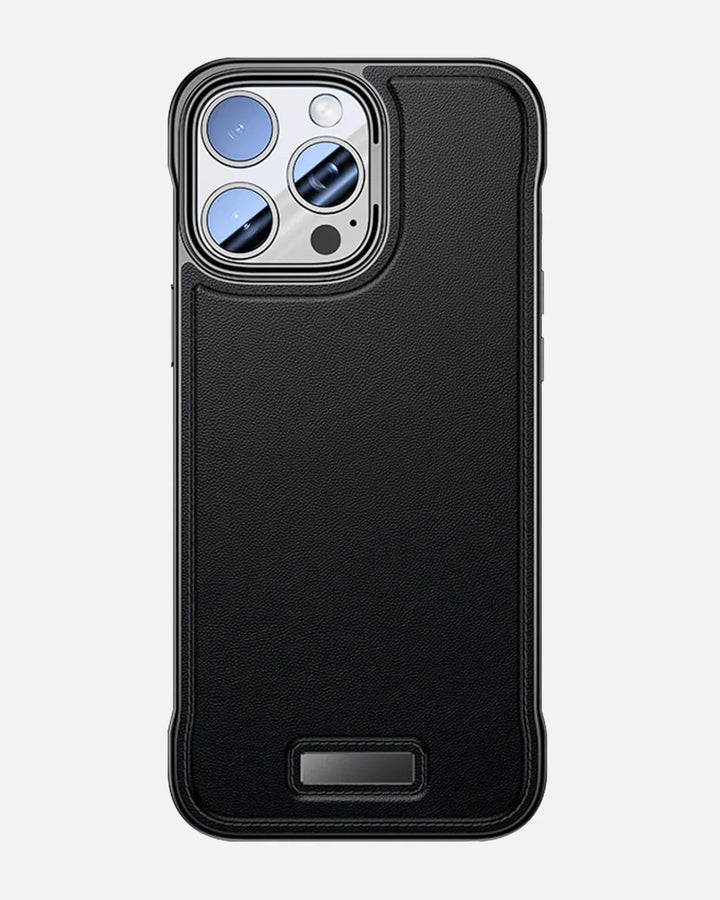
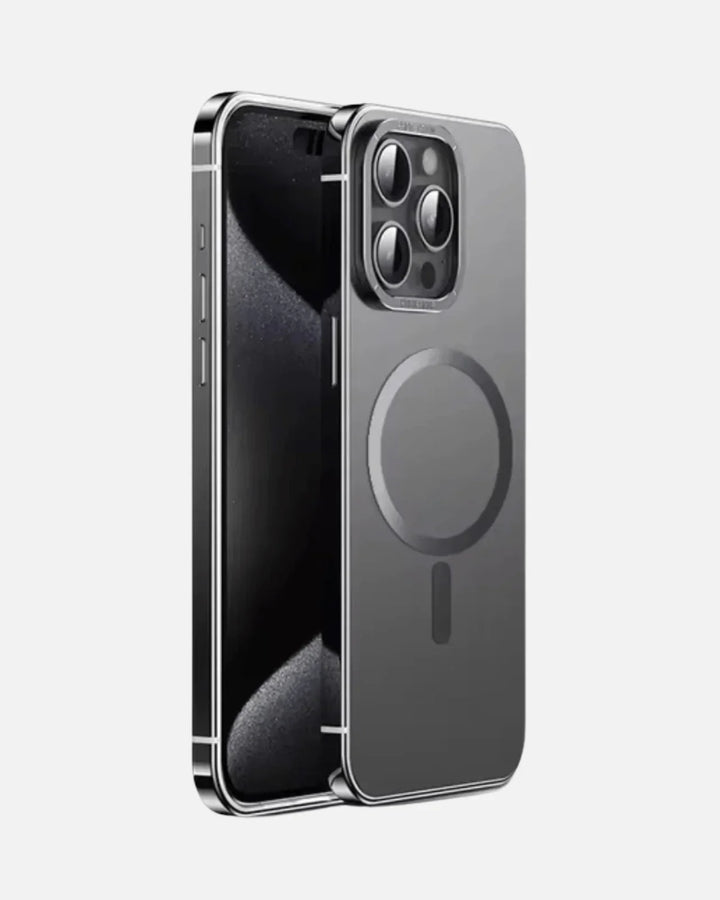
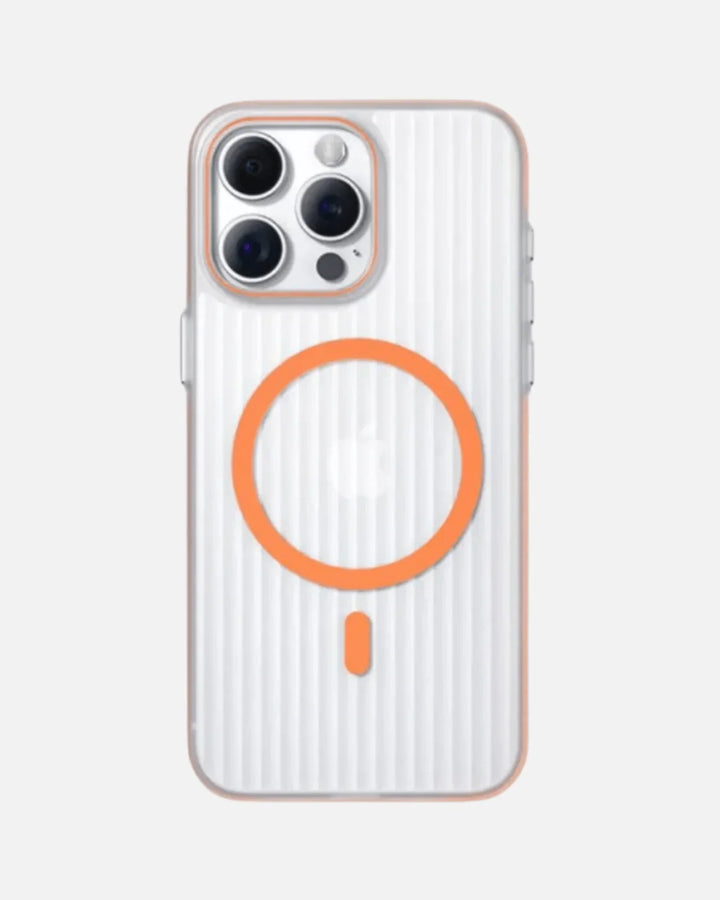
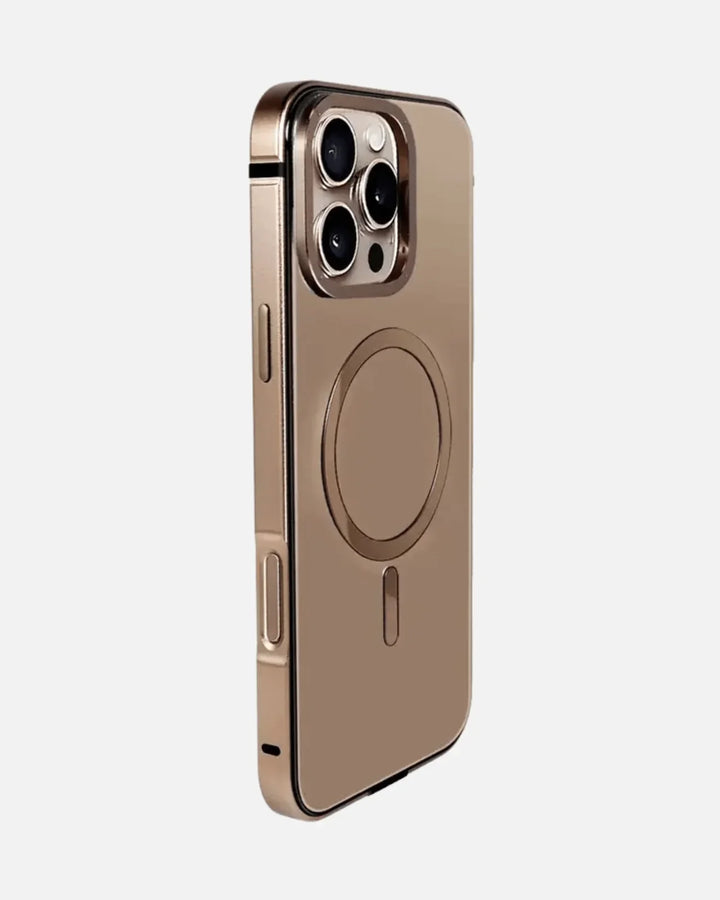
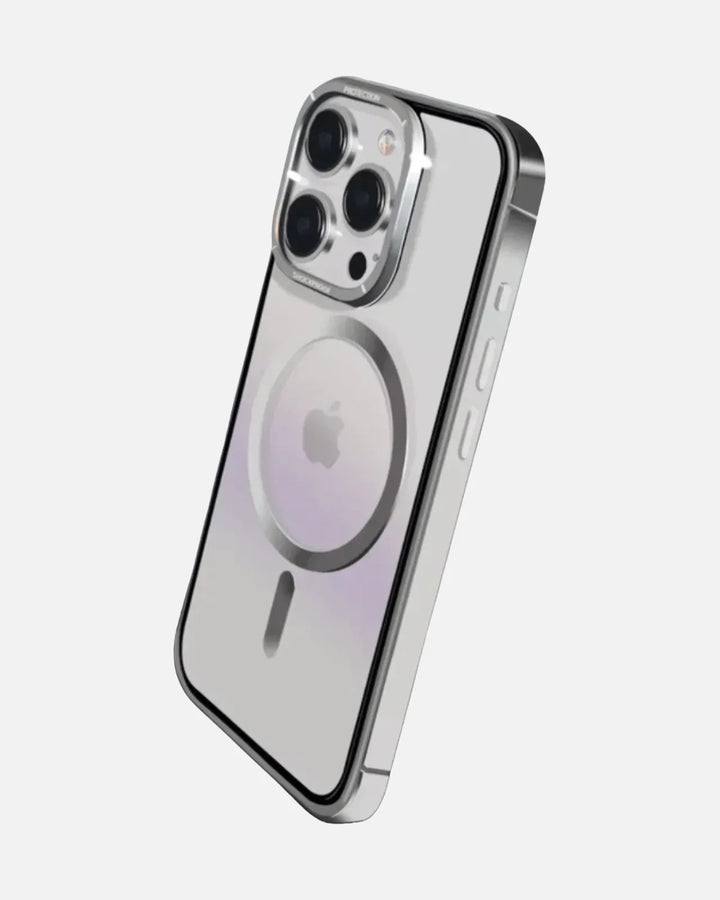
1. Start with a raised-lip case (the primary protection). This is the highest-impact buy for almost everyone, because it stops the most common scratch scenario and protects the whole phone. Choose a Creslia iPhone case with a raised camera lip, sized for the iPhone 17 Pro, and you've handled the bulk of the risk in one move.

2. Add a quality lens protector if you want the extra layer. If you're hard on your phone or often around grit, a good lens protector is inexpensive sacrificial insurance. Browse Creslia's lens protectors for the AR-coated, precise-fit options - and look for an individual-ring style for the most optically neutral result. (Heads-up: match the protector to your exact model and confirm it's cut for the iPhone 17 Pro's camera plateau before buying.)
3. Finish the kit with a screen protector. To round out front-to-back protection, a screen protector guards the Ceramic Shield 2 display from the same grit that threatens the lenses. Everything ships same day on orders before 3 PM ET from New Jersey, with free shipping over $49.90 and 7-day returns.
Lens protectors are model-specific and must match the iPhone 17 Pro's camera plateau exactly - a protector built for an earlier iPhone won't fit. Always confirm the listing specifies your model, and check the new arrivals if you don't yet see your exact model in the lineup.
Protect the camera that costs the most to fix
Start with a raised-lip iPhone case; add a quality lens protector if you want the extra layer. Free shipping over $49.90, same-day dispatch before 3 PM ET from NJ.
Shop iPhone protection →Frequently Asked Questions
Do you really need a camera lens protector for the iPhone 17 Pro?
Not strictly. The single most effective protection for most people is a quality case with a raised camera lip that keeps the lenses off tables and surfaces, which prevents most everyday abrasion. A lens protector is an optional extra - a sacrificial layer that makes sense if you're hard on your phone, often around sand, grit or tools, or want a cheap replaceable shield. It's sensible insurance rather than a requirement, as long as you buy a quality one.
Does a lens protector affect photo quality?
A good, properly-fitted protector is close to optically neutral in normal daylight shooting. But any added glass can introduce flare, ghosting or reflections, most visibly at night, with point light sources like streetlights and neon, or when shooting into backlight. A cheap, low-coating or misaligned protector can visibly reduce sharpness, add haze, or cause autofocus issues - so quality and precise fit matter a lot.
Are the iPhone 17 Pro camera lenses scratchproof?
No. The iPhone 17 Pro's camera lens covers are sapphire crystal, which is very hard (around Mohs 9) and highly scratch-resistant - but not scratchproof. Sand and quartz grit, at roughly Mohs 7, can still leave permanent micro-scratches, and a hard or sharp impact can crack a lens cover. Scratch-resistant is not the same as scratchproof.
Individual lens rings or a full camera plate?
Individual lens rings - one ring per lens - are generally the most optically balanced choice, with less glass surface to smudge and fewer flare issues. A full camera plate is easier to install and gives a uniform look, but it has more area to attract glare and fingerprints and can clash with tight case camera cutouts. For photo quality, individual rings usually win; for easy install, a plate is simpler.
What protects the camera best?
A case with a raised camera lip protects the camera best for most people, because it keeps the lenses from ever touching the surface you set the phone on, which is where most scratches happen. You can optionally add a quality lens protector on top as a sacrificial layer. Together, a raised-lip case plus a good protector cover both the everyday abrasion and the occasional grit or impact.
Will a lens protector fit with my case?
It can, but you need to check. Choose a protector that's case-compatible and precisely cut for the iPhone 17 Pro's camera plateau, and confirm it clears your case's camera cutout - some tight or raised cutouts don't leave room for a thicker plate-style protector. Individual lens rings tend to play nicer with cases than full plates, but always verify fit for your specific case.
The Bottom Line
Do you need a camera lens protector for the iPhone 17 Pro? Honestly, no - not in the way the word "need" implies. The sapphire lens covers are genuinely tough, and a quality case with a raised camera lip handles the everyday risk by keeping the lenses off surfaces. That case is the buy that matters most. A lens protector is a sensible optional add-on: cheap, replaceable insurance that's well worth it if you're hard on your phone or spend time around sand, grit and tools - provided you choose a quality AR-coated, precisely-fitted one and accept that any added glass carries a small chance of night flare. Lead with the case, add the protector if your life calls for it, and skip it with a clear conscience if it doesn't.
Further reading
Why trust Creslia
- 2,000+ products tested in our Iselin, NJ QA lab since 2024.
- 200+ device models supported - iPhone, Samsung, Pixel, OnePlus, Google.
- Same-day shipping on orders placed before 3 PM ET, six days a week.
- Reviewed under MIL-STD-810G drop methodology for our rugged lines.