Honest Take · iPhone Care
How to remove scratches from your iPhone screen: the honest truth about what works, why toothpaste doesn't, and the only reliable fix - prevention.

If you're searching how to remove scratches from your iPhone screen, here's the honest answer most articles bury: you can't truly remove a scratch from the glass at home. A scratch is missing material - a tiny groove carved into hardened glass - and no toothpaste, baking soda or polishing trick puts that glass back. We're going to be straight with you about what genuinely helps, why the popular "hacks" can actually make things worse, and the only solution that reliably works, which is preventing the next scratch in the first place.
You cannot truly remove a scratch from your iPhone's glass at home - it's missing material, and nothing adds glass back. Your real options: live with a minor scratch, hide it under a fresh screen protector and stop it worsening, or get a professional screen replacement for deep scratches and cracks. Because a scratch can't be undone, prevention is the only reliable fix.
That's the truth, and we'd rather give it to you plainly than send you off to rub abrasive paste on an expensive phone. Below: why a glass scratch can't be undone, the home "remedies" that don't work (and quietly damage your screen), what actually helps, why Ceramic Shield scratches in the first place, and how to make sure you never have to ask this question again. (Quick note: Creslia is an independent brand and isn't affiliated with or endorsed by Apple.)
Why You Can't Remove a Glass Scratch at Home
Let's get the physics out of the way in plain English, because it's the key to everything that follows. Your iPhone's screen is a hardened glass-ceramic. A scratch is a groove where some of that material has been gouged away by something hard enough to cut it. To "remove" the scratch, you'd have to either add glass back into the groove - which is impossible at home - or grind the entire surface down to the depth of the scratch, which would wreck the screen's flatness, clarity and coatings.
That's why every genuine "fix" is really one of three things: hiding the scratch so light doesn't catch it, replacing the layer that's scratched, or replacing the glass entirely. None of them restore the original glass, because that's not physically possible outside a factory. Once you accept that, the home remedies sort themselves into "harmless but pointless," "temporary illusion," and "actively damaging" - and you stop wasting effort on the ones that hurt.
First, How Bad Is Your Scratch, Really?
Before you do anything, spend thirty seconds figuring out what you're actually dealing with, because the right response is completely different for a smudge, a hairline mark, and a deep gouge. A quick at-home assessment:
- Clean and look again. Wipe the area with a microfiber cloth first - a lot of "scratches" are just dried grime or a worn patch in the coating that disappears with a wipe.
- Do the fingernail test. Drag a fingernail lightly across the line. If your nail glides over with no catch, it's superficial - likely surface marks or coating wear, not a real groove. If your nail catches in it, it's a genuine scratch in the glass.
- Check it under angled light. Tilt the screen under a lamp. A faint line visible only at certain angles is minor and easily hidden under a protector. A line that's clearly visible with the screen on, or that shows faint rainbow colors, is deeper.
- Watch the touch response. If touch is glitchy, unresponsive, or the display shows discoloration along the line, that's not a cosmetic scratch - it's structural damage that needs professional attention.
This quick triage saves you from two mistakes: panicking over a smudge that wipes away, and ignoring real damage that's only going to spread. Most of the time you'll find it's either nothing or a minor cosmetic scratch - both of which have cheap, honest answers below.
The Myths: What Doesn't Work (and What It Harms)
These are the "hacks" you'll find all over the internet. Here's what each one really does to your phone - and spoiler, none of them removes a scratch.
Toothpaste or baking soda paste
The most common myth, and one of the most harmful. These are mild abrasives - far too weak to cut the hardened screen, and physically incapable of adding glass back into a scratch. What they do accomplish is stripping the microns-thin oleophobic coating that repels fingerprints, leaving a permanently dull, smudgy patch that grabs oils. You also risk rubbing gritty paste into the speaker and ports and working moisture into the frame. You don't get a repaired scratch; you get a worse screen.
Abrasive polishing - sandpaper, Magic Eraser, glass-polish or cerium-oxide compounds, buffing wheels
This is the "fix" most likely to ruin a screen. Abrasives and polishing compounds strip the coating, distort optical clarity, and leave the polished spot looking visibly different from the rest of the screen and grabbing fingerprints forever. The odds of making the damage more obvious are high. These belong nowhere near a phone display.
Oils, Vaseline, or car scratch-remover cream
These don't repair anything - they temporarily hide a scratch by filling the groove so light doesn't catch the edges, which makes it look fainter for a little while. Then it wipes off and the scratch is exactly as it was. Worse, oils and solvents can seep into the phone's openings. It's a cosmetic trick, not a fix.
Heat or a hair dryer
Sometimes suggested as if warmth will "close" a scratch. It won't. Heat does nothing to a groove in glass, and aiming a hot dryer at your phone only risks the battery and internals. Skip it entirely.
DIY oleophobic re-coating
This one's worth being precise about. A re-coating kit can genuinely restore the smooth, anti-fingerprint feel after the factory oleophobic layer has worn down over time - that's a real, useful thing it does. What it does not do is remove or fill a scratch. So it's a fair buy if your screen has gone smudgy from age, but not a scratch repair.
No home remedy adds glass back. The honest ones only hide a scratch; the harmful ones strip your screen's coating.
What Actually Helps
Now the constructive part. Here's the real sequence that genuinely improves the situation, from "maybe it's nothing" to "time for a pro."
Clean it first - it might not be a scratch
Surprisingly often, what looks like a scratch is dried grime, a smudge, or a worn spot in the coating. Wipe gently with a soft, lint-free microfiber cloth, barely dampened if needed. Then do the fingernail test: run a nail lightly across the line. If your nail doesn't catch, it's likely just dirt or a coating mark - and a clean is all you needed.
If the scratch is in an old screen protector, just replace it
This is the happiest outcome. If you already run a screen protector and the scratch is in that, your actual screen is untouched - peel off the old protector and apply a fresh one, and the problem is gone for a few dollars. This is exactly what a protector is for.
Hide a minor glass scratch under a fresh protector
For light scratches in the actual glass, applying a new tempered-glass protector over the top makes them far less visible - the protector's flat surface and adhesive reduce how much light catches the groove - and it stops that scratch from deepening or collecting more. It's not a repair, but it's a genuine, low-cost improvement that also protects you going forward.
Deep scratch or crack? Get a professional screen replacement
If the line catches your nail, shows rainbow colors, or causes glitchy touch in that spot, the glass is genuinely damaged and the only true fix is a professional screen replacement through Apple or an authorized repair provider. Costs vary by model and situation, and AppleCare+ usually lowers the price - so check your coverage and Apple's current rates rather than trusting a number from a stranger online.
Why Ceramic Shield Scratches in the First Place
It surprises people that a "tough" screen scratches at all, so it's worth understanding. Apple's Ceramic Shield - and the newer Ceramic Shield 2, which Apple markets as roughly three times better in scratch resistance - is genuinely impressive cover glass. But the crucial word is resistant, not proof. The glass sits at only about Mohs 6-7 on the hardness scale, and anything equal or harder can scratch it.
That's why the usual suspects do damage: sand and grit contain quartz at around Mohs 7, hard enough to scratch the screen; keys and coins sharing a pocket drag across the glass; setting the phone face-down on gritty surfaces grinds fine particles into it; and abrasive wiping with a paper towel or shirt hem adds micro-scratches over time. The best mental model is the one Apple uses for water: scratch-resistant isn't scratch-proof, exactly like water-resistant isn't waterproof. Knowing that reframes the whole problem - you can't make the glass invincible, but you can keep the hard stuff away from it.
Prevention Is the Only Real Solution
Here's where the honest logic lands. Since a scratch can't be undone, the only move that genuinely works is making sure it doesn't happen - and the good news is that prevention is cheap, easy, and far less hassle than any "repair" you were hoping for.
- Use a tempered-glass screen protector. This is the big one. It's a sacrificial layer that takes the scratches and minor impacts instead of your screen - and when it gets scratched, you replace the protector for a few dollars rather than paying for a screen repair. It's the single most cost-effective thing you can do.
- Add a case with a raised screen lip. A lip that sits slightly above the glass keeps the screen off flat surfaces, so setting the phone face-down doesn't grind grit into it.
- Keep clean habits. Wipe only with a soft microfiber cloth - never paper towels or your shirt - and keep keys, coins and sand out of whatever pocket or bag holds your phone.
Do those three things and the question of how to remove a scratch mostly stops coming up, because the scratches land on a protector you can swap, not on glass you can't fix.
It helps to reframe the whole thing as maintenance rather than repair. We don't expect to "fix" the worn soles on a pair of shoes - we replace them, and we keep them off the worst surfaces in the first place. A phone screen is the same: the glass is a finite, unfixable surface, so the winning strategy is to put a cheap, replaceable barrier between it and the world and to keep the genuinely hard stuff - sand, grit, keys - away from it. None of that takes effort or money beyond the first few dollars and a moment's attention to where your phone lives. Compared with hunting for a miracle scratch-removal trick that doesn't exist, prevention is both easier and the only thing that actually works.
You can't undo a scratch - but for a few dollars you can make sure the next one lands on something replaceable.
What We Recommend
Following the prevention logic, here's the simple, honest setup that keeps your screen scratch-free going forward.

Automatic Dust-Free Tempered Glass Screen Protector
This is the sacrificial layer that does the job for you: the dust-free alignment box gives a one-pull, bubble-free install (the step people usually dread), the 0.33mm glass keeps touch and Face ID fully responsive, and it's anti-fingerprint and case-friendly. When it eventually scratches, you swap it for a fresh one - your actual screen stays pristine. See more options in the screen protectors collection, and our tempered glass vs plastic guide explains why glass is the easy pick.
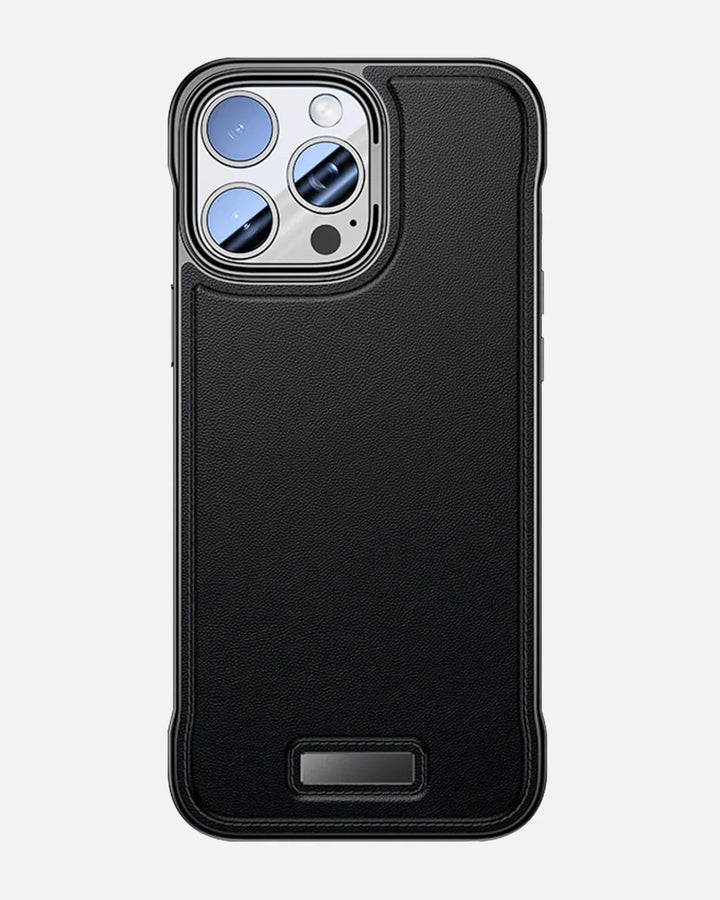
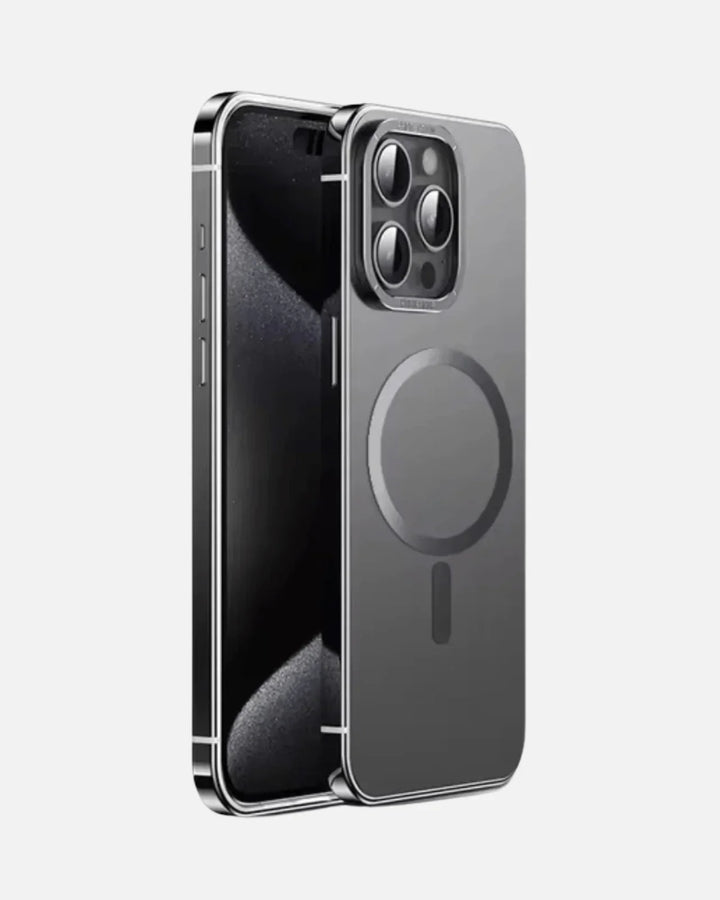
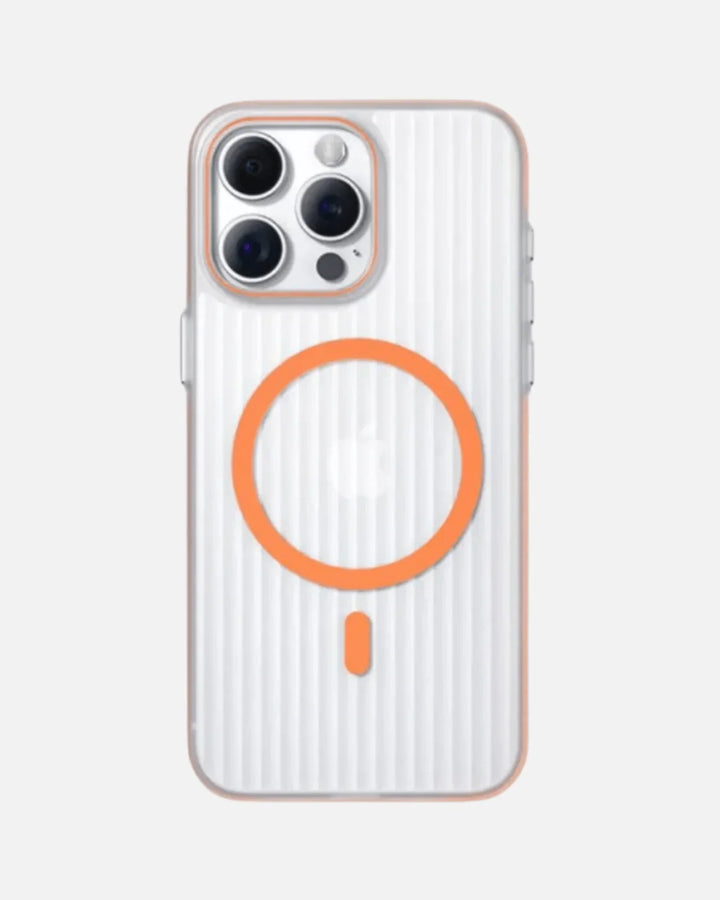
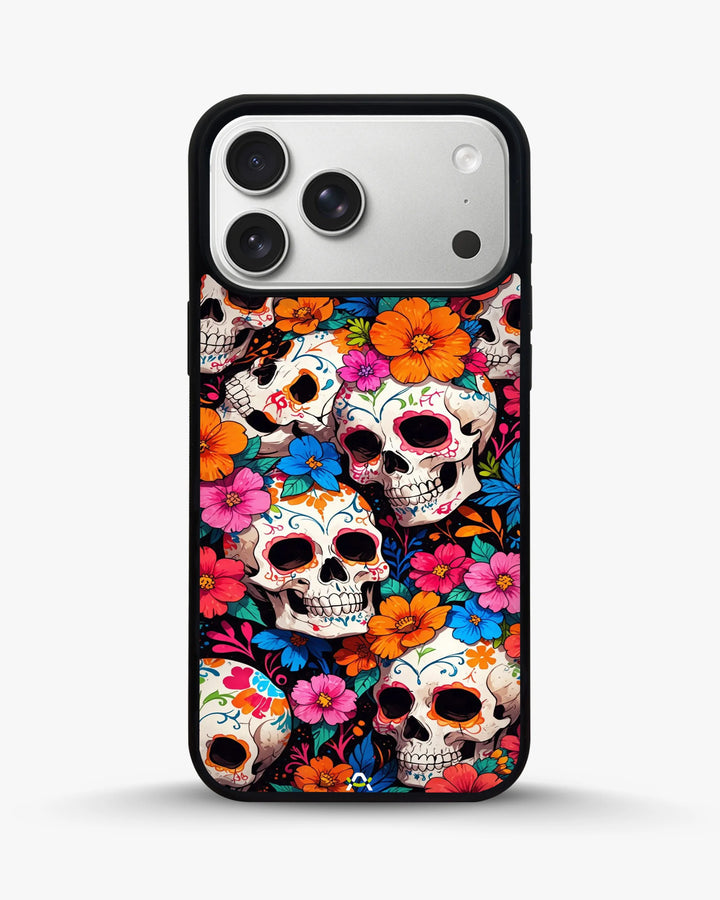
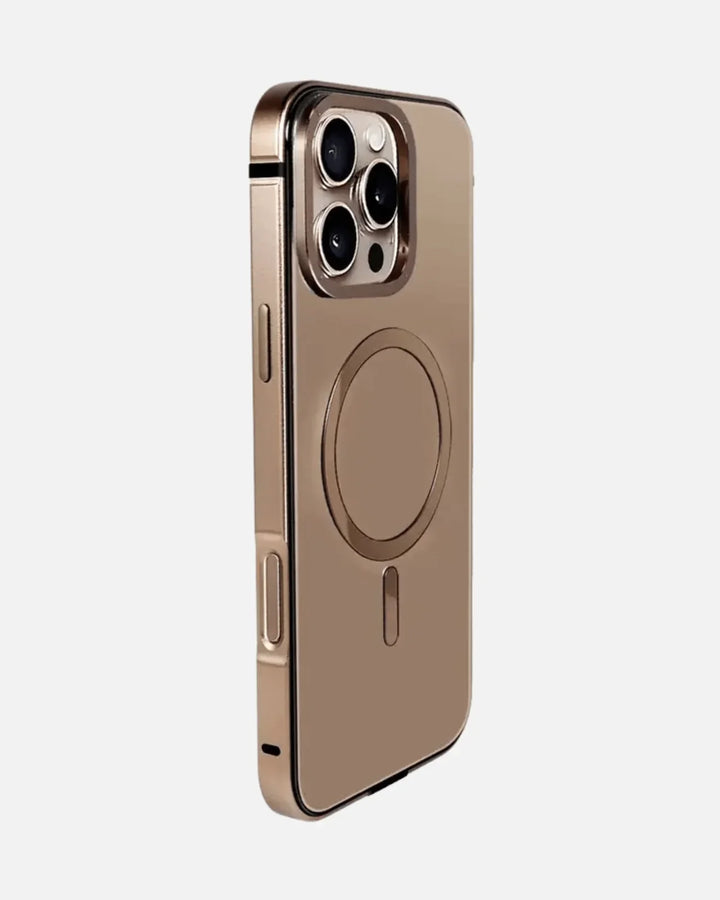
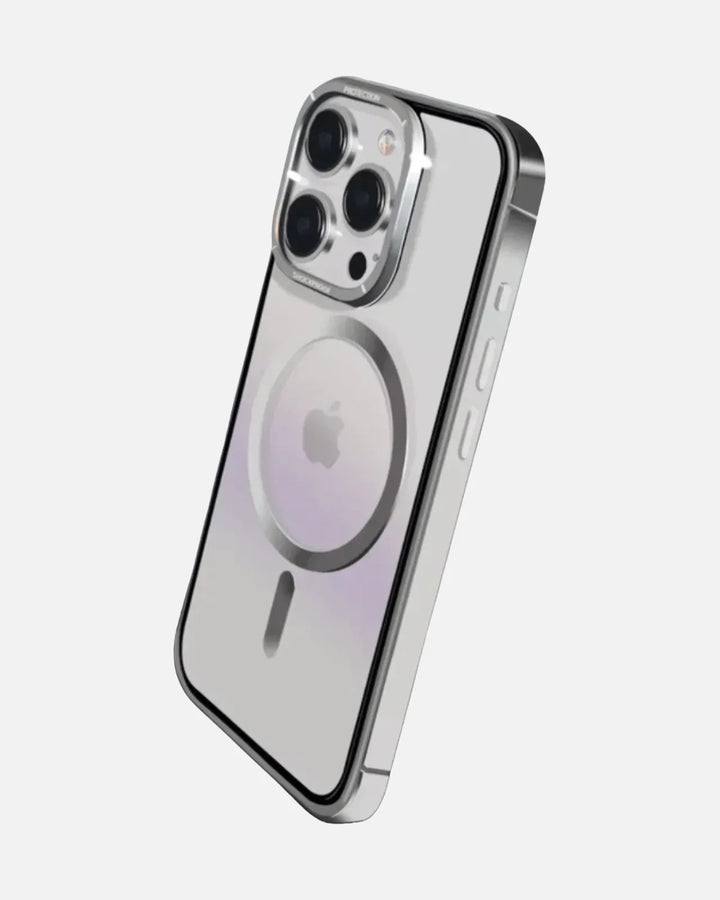
Pair the protector with a Creslia iPhone case that has a raised screen lip, so the glass never touches the surface you set the phone on. Together, the protector and the lip cover both the everyday abrasion and the face-down grind. Everything ships same day on orders before 3 PM ET from New Jersey, with free shipping over $49.90 and 7-day returns.
A screen protector costs a few dollars; a professional screen replacement costs far more (and prices vary). Letting a replaceable layer take the scratches is simply the cheapest way to protect the most expensive part of your phone.
Can't undo a scratch - so prevent the next one
A tempered-glass protector takes the scratches instead of your screen. Free shipping over $49.90, same-day dispatch before 3 PM ET from NJ.
Shop screen protectors →Frequently Asked Questions
Can you remove scratches from an iPhone screen?
No, not truly. A scratch is missing material - a groove cut into the glass - and nothing you do at home adds glass back. What you can do is hide minor scratches under a fresh screen protector and stop them worsening, or get a professional screen replacement for deep scratches and cracks. Because a scratch can't be undone, prevention is the only reliable solution.
Does toothpaste remove iPhone screen scratches?
No. Toothpaste can't repair glass - its mild abrasives are far too weak to touch the hardened screen, and they can't add material back into a scratch. What it actually does is strip the microns-thin oleophobic coating on your screen, leaving a permanently duller, smudgier, fingerprint-grabbing patch, and you risk rubbing paste into the speaker and ports. It doesn't remove the scratch.
Will Ceramic Shield scratch?
Yes. Ceramic Shield is scratch-resistant, not scratch-proof. Apple markets big scratch-resistance gains, including roughly three times better scratch resistance for Ceramic Shield 2, but the glass is still only around Mohs 6 to 7 in hardness. Sand and quartz grit at about Mohs 7, plus keys and coins, can all still leave scratches - scratch-resistant isn't the same as scratch-proof.
What about baking soda, car scratch cream, or oil?
None of them repair glass. Baking soda paste is just another mild abrasive that strips the coating without fixing the scratch. Car scratch cream and oils or Vaseline only temporarily hide a scratch by filling the groove so light doesn't catch it - but that wipes off, fixes nothing, and oils and solvents can seep into the phone's openings. They create a cosmetic illusion, not a repair.
How do I fix a deep scratch or crack?
A deep scratch or crack - one that catches a fingernail, shows rainbow colors in the line, or causes glitchy touch in that spot - needs a professional screen replacement through Apple or an authorized repair provider. That's the only true fix for damaged glass. Costs vary by model and situation, and AppleCare+ usually lowers the price, so check your coverage and Apple's current rates.
How do I prevent iPhone screen scratches?
Use a tempered-glass screen protector as a sacrificial layer that takes scratches instead of your screen, add a case with a raised screen lip so the glass doesn't touch flat surfaces, and keep clean habits - wipe only with a soft microfiber cloth and keep keys, coins and sand out of the same pocket. Since a scratch can't be undone, these cheap steps are the only reliable solution.
The Bottom Line
The honest answer to removing scratches from an iPhone screen is the one no hack will tell you: you can't truly remove them, because a scratch is missing glass and nothing at home puts it back. Toothpaste, baking soda and polishing compounds don't repair anything - they strip your screen's coating and can make it worse. Oils only hide a scratch for a moment. The genuinely useful moves are to clean first in case it's just grime, replace a scratched protector if you have one, hide minor scratches under a fresh tempered-glass protector, and see a professional for deep damage. And because none of that undoes a scratch, the real solution is prevention: a sacrificial screen protector, a raised-lip case, and clean habits. Protect the glass you can't fix, and you'll never need this article again.
If you take just one thing from all of this, make it this: stop looking for a way to undo the scratch you have, and start protecting against the one you don't have yet - that's the only version of "scratch removal" that genuinely pays off.
Further reading
Why trust Creslia
- 2,000+ products tested in our Iselin, NJ QA lab since 2024.
- 200+ device models supported - iPhone, Samsung, Pixel, OnePlus, Google.
- Same-day shipping on orders placed before 3 PM ET, six days a week.
- Reviewed under MIL-STD-810G drop methodology for our rugged lines.